Pages

OBDSTAR ODOMASTER & X300 PRO4

Showing posts with label odometer correction. Show all posts

Thursday, December 15, 2016

How to use X300 DP odometer adjustment on cars

New arrival and powerful tool-OBDSTAR X300 DP  can support not only immo,OBDII,but also odometer adjustment,EEPROM/PIC adapter,ABS,TPS,SRS reset, TPMS(low tire)reset,Steering angle reset,CVT learning/Value reset, EPB+ Oil/service reset,Battery matching,Diagnosis(Japanese and Korean serials).
How to use  X300 DP odometer adjustment on cars ?Here is the example of OBDSTAR X300 DP change mileage on Cadillac ATSL 2016.
Enjoy!
Vehicle:
-Cadillac ATSL 2016
OBDSTAR-X300DP-adjust-mileage-for-cadillac-1

Step1: Prepare
Connect X300 DP with vechile and open X300DP
Press on START button
OBDSTAR-X300DP-adjust-mileage-for-cadillac-2

Step2: Choose vehicle information
Choose “Mileage adjust” option and click on GM

OBDSTAR-X300DP-adjust-mileage-for-cadillac-3

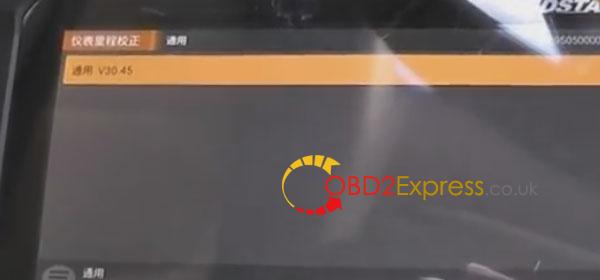
Choose GM V30.45 to go on
OBDSTAR-X300DP-adjust-mileage-for-cadillac-4

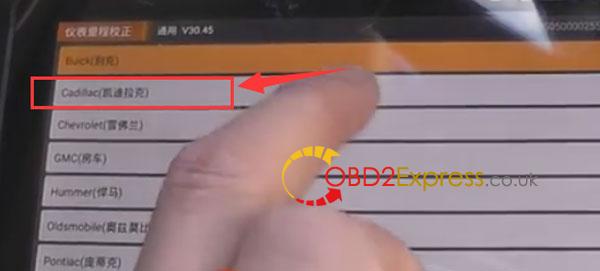
Then choose Cadillac
OBDSTAR-X300DP-adjust-mileage-for-cadillac-5

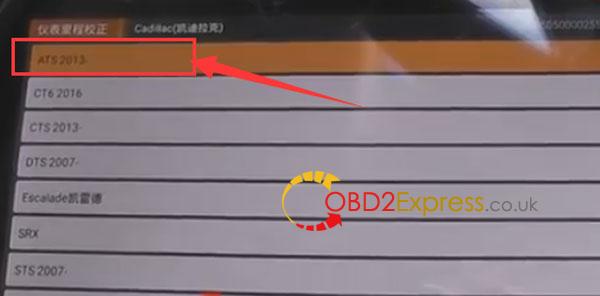
Choose ATS2013-
OBDSTAR-X300DP-adjust-mileage-for-cadillac-6

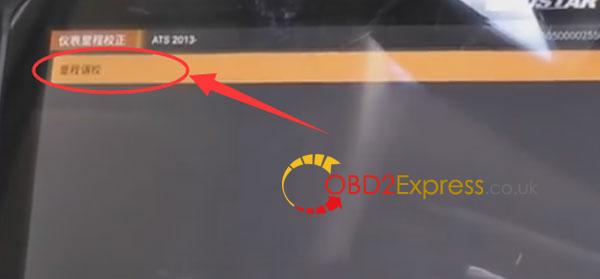
Mileage adjustment (correction)
OBDSTAR-X300DP-adjust-mileage-for-cadillac-7

It is communicating...

Step3: Adjust mileage
The current mileage information
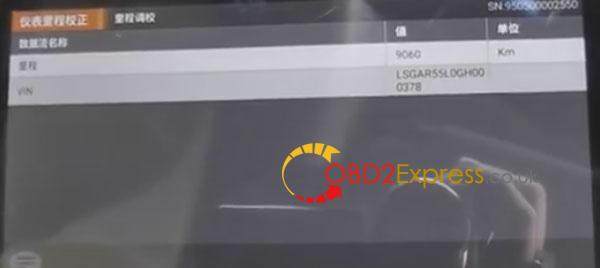
OBDSTAR-X300DP-adjust-mileage-for-cadillac-8

Input the new mileage and press ENTER to continue
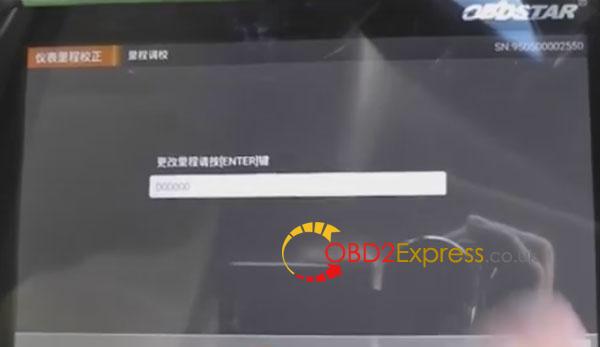
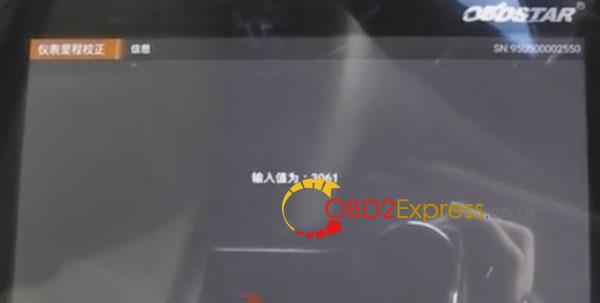
OBDSTAR-X300DP-adjust-mileage-for-cadillac-9
Value: 3061
OBDSTAR-X300DP-adjust-mileage-for-cadillac-10

It is communicating...

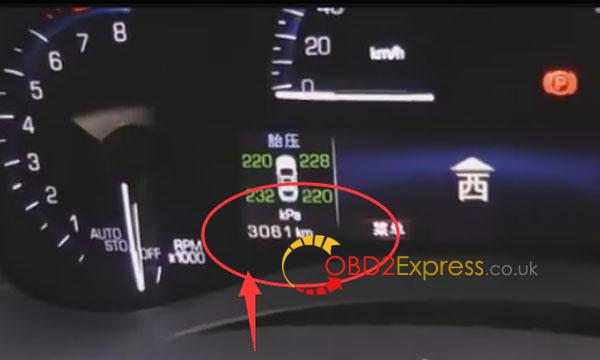
The mileage value at presant

OBDSTAR-X300DP-adjust-mileage-for-cadillac-11 OBDSTAR-X300DP-adjust-mileage-for-cadillac-12
Done! Successfully change mileage for Cadillac ATSL 2016

Wednesday, September 7, 2016

Odometer ajustment on Mazda CX5 KM via OBDSTAR F100

Here is twoways to introduction how to use OBDSTAR F-100 to adjust the odometer for Mazda CX5.
first :Vedio recommed :
second:step guide:

 OBDSTAR F100 info:

1)CPU: ARM7
2)Operating Voltage: DC12V~18V
3)Operating Temperature: -20-60℃

4)Function: programming auto keys and smart keys of vehicles

odometer adjustment

5)Vehicle: Mazda and Ford (including the newest version of Mazda CX-3,CX-5,Mazda 2/3/6)

6)Special: no need pin code

TOOL:

1) Two keys

2) OBDSTAR F100  odometer adjustment tool

Vehicle model:

Mazda CX5

Satrt:

Connect F100 to the car.

The programmer tool starts, and press ENT

Select Mazda CX5


Switch ignition on


F100-odometer-adjustment-2 (1)


F100-odometer-adjustment-3 (1)

Before modify mileage. Please execute [ Data backup] function.

Press ENT, and communication.

Please turn off the ignition switch and then turn the ignition switch on.

Select mileage adjustment, press ENT to continue, and ESC to return.


F100-odometer-adjustment-4 (1)

Note: if the number of kilometers with readout instrument shows the number of …

Communication…

Please turn off the ignition switch and then turn the ignition switch…

Then reading mileage…
 F100-odometer-adjustment-5 (1)


Current mileage: 1200 KM

Please confirm the mileage correctly

Please input the mileage of the adjust-XXXXXX (eg:000210)

Input Value: XXXXXX(eg:000210)

Communication…

Please turn off the ignition switch and then turn the ignition switch.
 F100-odometer-adjustment-6 (1)


Adjusting mileage…

Adjustment complete.
 F100-odometer-adjustment-7 (1)

Tuesday, August 30, 2016

How to change milege on Porsche Cayenne 2008?

How to change KM on Cayenne 2008?Today ,obdexpress.co.uk engineer has managed to adjust mileage on Porsche Cayenne 2008 by using OBDSTAR X300M odometer correction tool

Item shares:

OBDSTAR-X300M-X300-M-uniy


X300M Change KM for Cayenne 2008 Procedure:
the dashboard of Cayenne 2008
obsdtar-x300m-change-km-Cayenne-2008-(1)


the current mileage: 2345744km
obsdtar-x300m-change-km-Cayenne-2008-(2)


note: check connection of the car and OBDSTAR X300 M

here goes to Cayenne odometer correction.

select VEHICLES->MILEAGE ADJUSTMENT->PORSCHE->PORSCHE V30.12

obsdtar-x300m-change-km-Cayenne-2008-(3)

obsdtar-x300m-change-km-Cayenne-2008-(4)

obsdtar-x300m-change-km-Cayenne-2008-(5)

obsdtar-x300m-change-km-Cayenne-2008-(6)

->initializing...
->authorizing...
select Cayenne->Cayenne -2009->MILEAGE ADJUSTMENT
obsdtar-x300m-change-km-Cayenne-2008-(7)

obsdtar-x300m-change-km-Cayenne-2008-(8)

obsdtar-x300m-change-km-Cayenne-2008-(9)

->communication...
->enter a file name to save, here 11100000
obsdtar-x300m-change-km-Cayenne-2008-(10)

input value: 11100000
obsdtar-x300m-change-km-Cayenne-2008-(11)

OBDSTAR X300M mileage programmer managed to read the current mileage of 234560 (error does not exceed 10km)
adjustment complete

->input new mileage: 345430

obsdtar-x300m-change-km-Cayenne-2008-(13)


input value: 345430

obsdtar-x300m-change-km-Cayenne-2008-(14)


->adjusting mileage...
->adjustment complete

adjustment complete

the dashboard displays the new milesage as what is set just now
new km

Done!!!easy and successful!

source:http://blog.obdexpress.co.uk/2016/08/31/obdstar-x300m-change-km-on-porsche-cayenne-2008/