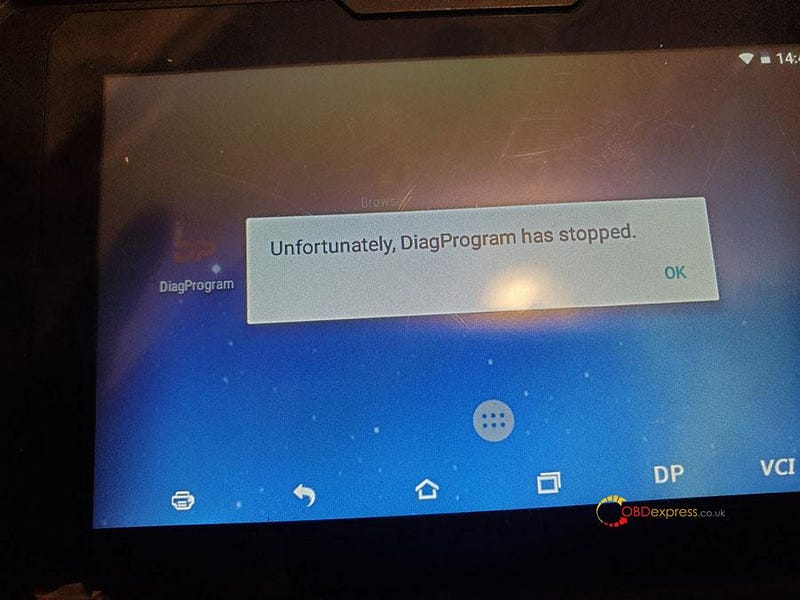
Recently some obdstar users feedback, they come across an error
"Unfortunately, DiagProgram has stopped" (shown as below).
obdstar engineer found that it was a compatibility problem and worked out the
solution (Note: the solution is applied to any of x300dp, x300dp
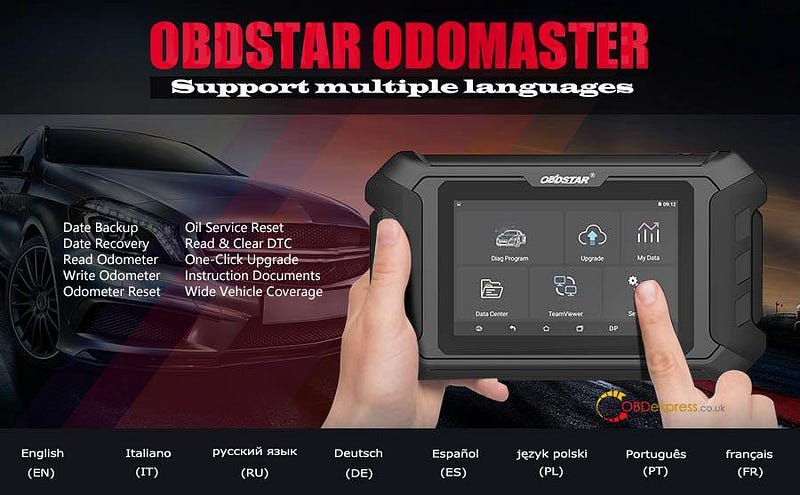
plus, odomaster,
x300
pro4)
1 If your device's update has not expired, here are solutions.
Option one: Click "apk" to update.
Option two: Clear the cache.
Option three: Reset the device.
2 If your device's update has expired, here is the solution.
Clear the cache. (Please do not reset the device, otherwise, program will be
lost, it will not work again unless buying another year of update
subscription.)
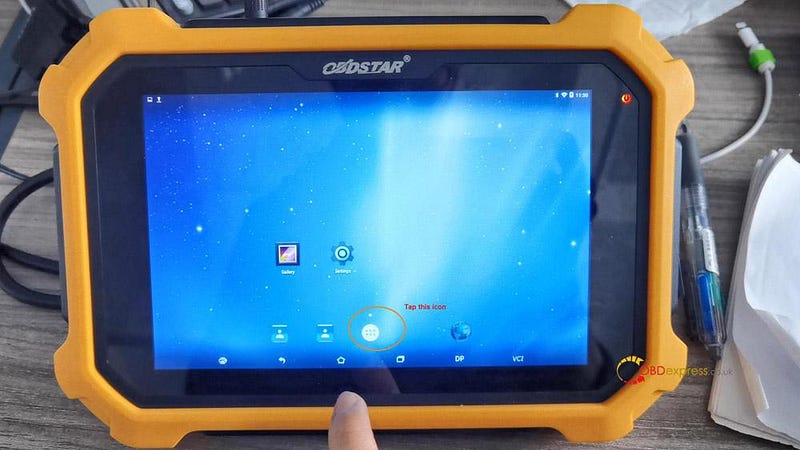
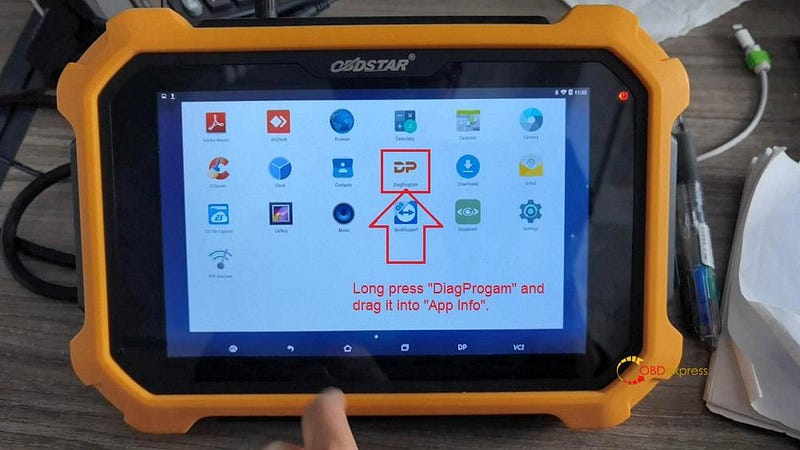
Enter "DiagProgam", long press it and drag it into "App Info"
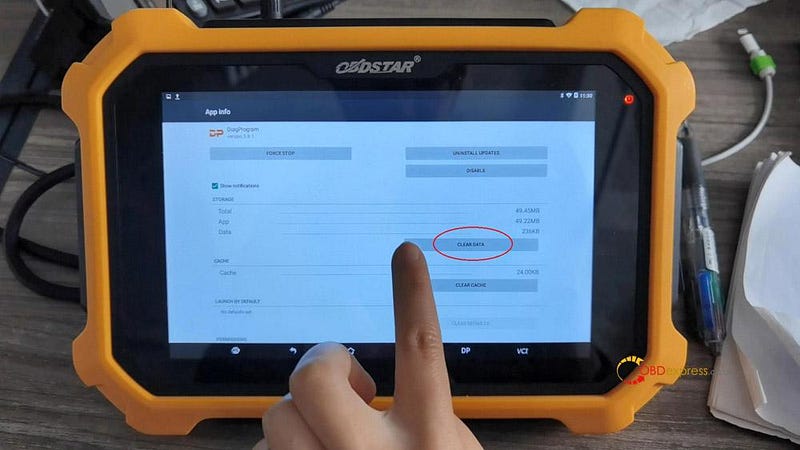
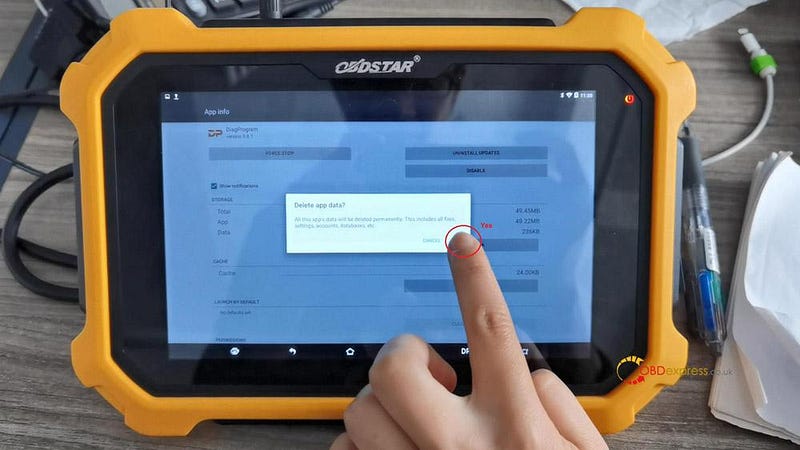
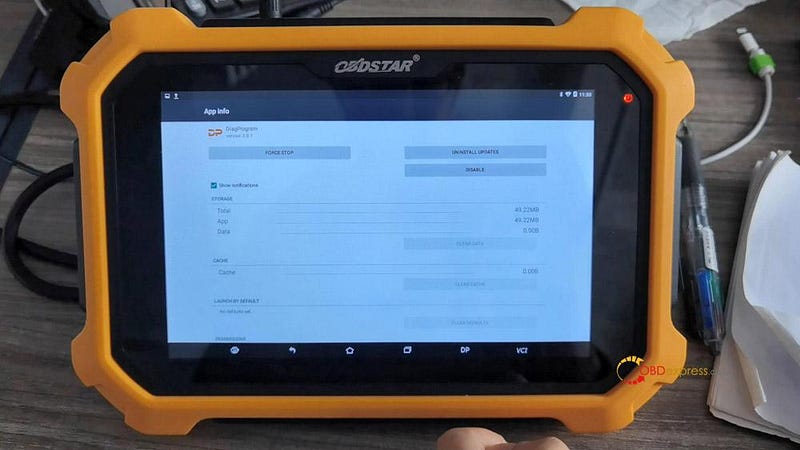
In the APP info, tap "Clear data" and "Yes" to confirm.
Done.
If you accidentally click "Upgrade" when your device's update has expired,
please buy update service, for example x300dp plus one-year update
subscription
https://www.obdexpress.co.uk/wholesale/obdstar-x300-dp-plus-one-year-update.html